
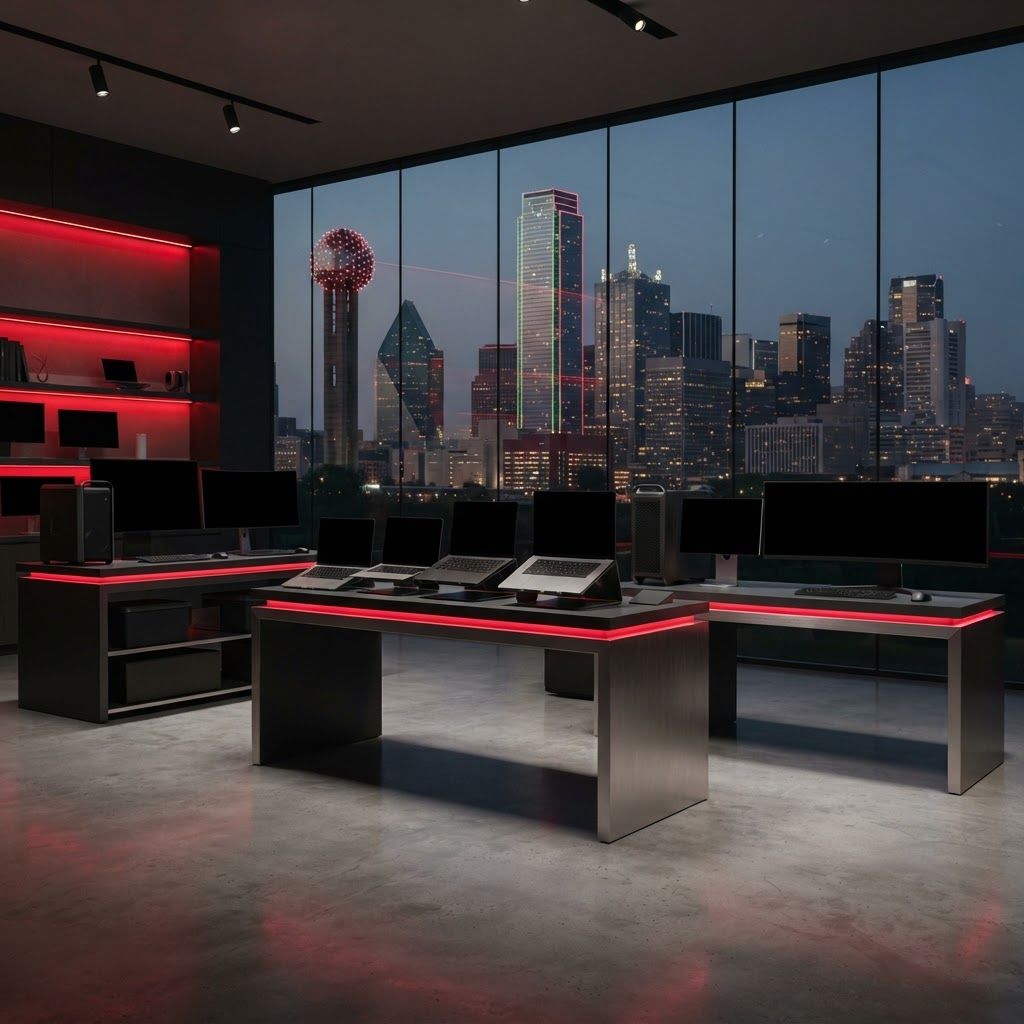
Buying Computers in Dallas
Dallas buyers range from students and remote workers to healthcare systems, creative studios, data teams, and large corporate campuses. That diversity means no single computer brand is best for every use. Performance, warranty service, security, manageability, software compatibility, and long-term ownership costs should shape the decision. The brands below are widely available through direct, retail, and business channels serving North Texas.
1. Dell
Dell has especially strong Texas recognition and offers one of the broadest portfolios for consumers and businesses. XPS systems emphasize premium mobility, Latitude targets managed fleets, Precision supports demanding professional workloads, and Alienware serves gaming. Enterprise support, configuration choice, and familiarity among Dallas IT teams are major advantages.
2. Apple
Apple's Mac lineup is popular with creative professionals, developers, executives, and users invested in its device ecosystem. MacBook efficiency, display quality, and integration across hardware and software are clear strengths. Buyers should confirm that required enterprise, engineering, or industry-specific applications support macOS before standardizing.
3. HP
HP offers consumer notebooks, business EliteBook systems, Z workstations, gaming machines, and compact desktops. This breadth makes the brand relevant to households and large organizations alike. Security features and fleet-management options strengthen its business appeal, while varied price points support flexible purchasing.
4. Lenovo
Lenovo is widely respected for ThinkPad business laptops, particularly their keyboards, durability, and serviceable designs. Yoga devices serve flexible consumer needs, while Legion addresses gaming. Dallas companies with mobile employees often value the brand's business configurations and established docking ecosystem.
5. Microsoft Surface
Microsoft Surface devices showcase a streamlined Windows experience in premium laptops, tablets, and convertible formats. Their touch and pen capabilities are useful for note-taking, field presentations, and design review. Organizations should compare port selection and repair options with traditional business notebooks before deployment.
6. ASUS
ASUS spans everyday laptops, creator-focused systems, gaming devices, and compact computers. The ROG and TUF families have strong gaming visibility, while Zenbook models prioritize portability and display quality. Broad hardware experimentation makes ASUS attractive to buyers seeking features outside conventional business designs.
7. Acer
Acer competes strongly in value-oriented laptops, Chromebooks, monitors, and gaming systems. Schools, families, and small businesses may appreciate the range of affordable configurations. Buyers should compare build quality, memory, storage, and display specifications carefully because the catalog covers many performance tiers.
8. Samsung
Samsung's Galaxy Book line emphasizes thin designs, vivid displays, and integration with Galaxy mobile devices. The brand is a compelling option for users who want a connected Windows and Android workflow. Its display expertise is a differentiator for media consumption and visually intensive work.
9. MSI
MSI is known for gaming laptops, powerful desktops, and creator workstations. High-performance processors, dedicated graphics, advanced cooling, and fast displays are central features. Dallas gamers and visualization professionals should weigh portability and battery life against sustained performance requirements.
10. Framework
Framework offers modular laptops designed around repairability and upgradeability. Replaceable ports, documented parts, and component access can extend useful life and reduce electronic waste. It is an appealing alternative for technically confident Dallas buyers, although support expectations differ from those of larger enterprise vendors.
How to Compare Systems
Define the workload before comparing specifications. Office tasks may prioritize battery life and support, while engineering, video, or artificial intelligence work can require stronger graphics, memory, and cooling. Consider webcam quality, ports, display brightness, keyboard comfort, repairability, warranty response, and the total cost of docks and accessories.
Business and Consumer Trends
Efficient processors, on-device artificial intelligence features, stronger security, and longer battery life are shaping new systems. Businesses are also focusing on remote manageability and device lifecycle planning. In Dallas, same-day replacement or on-site support may be more valuable than a modest specification increase for employees whose downtime is costly.
Final Thoughts
Dell, HP, and Lenovo are strong fleet candidates; Apple excels within its integrated ecosystem; ASUS and MSI serve performance enthusiasts; and Framework challenges conventional ownership. The best purchase is the system that meets real software and support needs without paying for capabilities that will remain unused.